


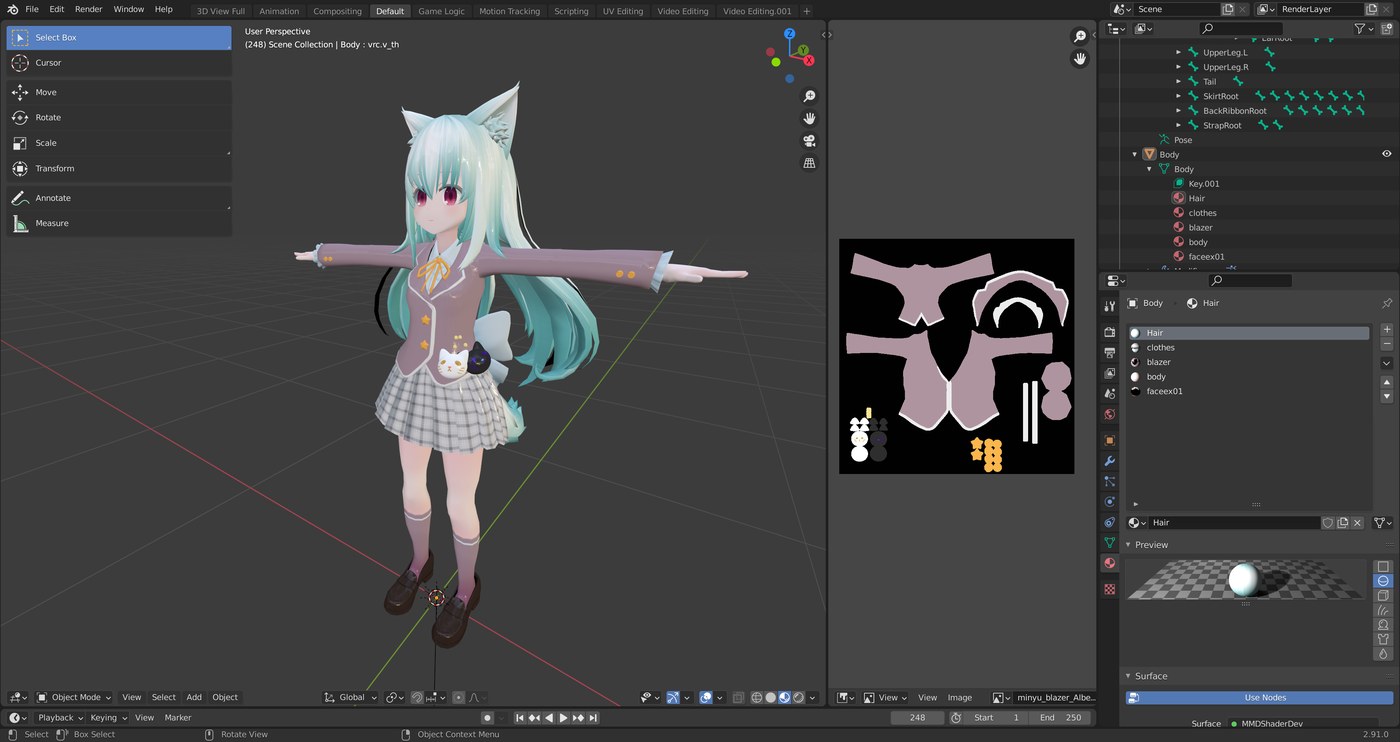
Anyone who plays Uma Musume Pretty Derby knows how much of the game’s charm sits in its 3D presentation: expressive character models, detailed racing outfits, and full animated live performances. Inside the game, though, you only ever see those models from the camera angles the developers chose, and only for a few seconds at a time. A fan-made viewer changes that. It takes the game’s own 3D assets and places them in an open viewer where you can orbit the camera freely, replay animations, swap costumes, and admire details that flash past during normal play.
What Is UMAViewer?
UMAViewer is a free, open-source desktop application for viewing the 3D models and animations of Uma Musume Pretty Derby outside the game client. It is built with the Unity engine, the same engine the game itself uses, which lets it read and render the original asset files with their models, textures, and motion data intact. The project is developed and maintained by fans, and its official home is UMAViewer, where you can find the latest release and setup notes.
The viewer does not modify the game or connect to its servers. Instead, it works with the game data already stored on your own PC, reading the local files and presenting them in a clean viewing environment. That makes it a tool for appreciation and study rather than a mod: nothing about your account or the live game is touched.
Key Features
UMAViewer brings together the functions that model fans, artists, and video creators usually end up wanting from a viewer.
Character, Outfit, and Prop Browsing
The viewer indexes the characters found in your game data and lets you load any of them in seconds. You can switch between racing outfits, casual clothes, and stage costumes, and inspect small props and accessories. Because the original textures are used, fine details such as embroidery, ribbons, and the movement of ears and tails stay true to the game.
Animation and Live Playback
Static poses are only half the appeal. UMAViewer plays back the game’s motion data, including idle animations, facial expressions, race motions, and the choreographed songs from the live theatre mode. You can pause mid-animation and loop the exact moments you want to examine, frame by frame.
Camera, Lighting, and Pose Controls
A free camera lets you zoom, pan, and orbit without the fixed framing of the game client. Simple lighting and background options help you present a character cleanly, and pose adjustments make it possible to capture a specific expression or gesture for a screenshot.
Screenshots and Reference Capture
For artists and editors, the viewer doubles as a reference studio. Set up a pose, frame it carefully, and capture clean stills to use as drawing reference, thumbnails, or video material, without user-interface clutter getting in the way.
How UMAViewer Works
Uma Musume stores its 3D content in Unity asset bundles inside the game’s data folder. When UMAViewer starts, it scans that folder, builds a catalogue of the available characters, costumes, and animations, and loads each item on demand. Because the models are rendered in Unity with the game’s own shaders and textures, what you see matches the in-game appearance closely, including the toon shading and the facial expressions driven by blend shapes.
This local approach also explains the viewer’s main requirement: it needs an up-to-date copy of the game’s data on the same computer. When the game receives new characters or outfits in an update, the viewer can display them as soon as the game client has downloaded the files.
Getting Started
What You Need
You need a Windows PC with the PC version of Uma Musume Pretty Derby installed and updated, plus the UMAViewer application itself. A modest graphics card is enough, because the viewer renders one or a few characters at a time rather than a full race.
Loading Your First Model
Start the game once so its data is current, then close it and launch the viewer. If it asks, point it at the game data folder, pick a character from the list, choose an outfit, and the model appears in the viewport. From there you can drag to orbit, scroll to zoom, and open the animation list to bring the character to life.
Use Cases
Fans use the viewer in several ways. Artists study costume construction and anatomy for fan art, checking how a skirt folds or how a sleeve is layered from angles the game never shows. Video creators stage performances and record clean footage for edits and music videos. Cosplayers examine the proportions and details of outfits they plan to build. And other players simply enjoy watching their favourite character’s live performance from the front row, on repeat.
Tips for Getting the Most Out of It
Keep your game client updated so newly released characters appear in the catalogue. Learn the camera controls early, because framing is everything when you capture references. If performance dips, lower the render resolution in the settings, and remember that large stage scenes take longer to load than a single character model.
Frequently Asked Questions
Is UMAViewer free?
Yes. It is a fan-made, open-source project that is distributed free of charge.
Does UMAViewer change or hack the game?
No. It only reads the game data stored on your computer and displays it. It does not alter game files, interact with your account, or connect to the game’s servers.
Do I need the game installed?
Yes. The viewer relies on the model and animation files from your own installation of Uma Musume Pretty Derby, so the PC version of the game must be installed and kept reasonably up to date.
Can I use screenshots from the viewer in my own projects?
Fans commonly use captures as drawing reference and in fan videos. Keep in mind that the characters and assets belong to the game’s rightsholders, so credit appropriately and follow their fan-content guidelines, especially for anything commercial.
Conclusion
UMAViewer turns the fleeting 3D moments of Uma Musume Pretty Derby into something you can explore at your own pace. With free camera control, full animation playback, and the game’s original models and costumes, it serves artists, creators, and fans alike. If you want to see your favourite horse girls up close, download the viewer from umaviewer.com and enjoy the best seat in the house.
